English
From ASI Alliance LATAM Community
A few weeks ago, I shared a tutorial on how to integrate the ASI:One models into a NextJS App Router project.
Today, I’ll show you how to reuse that repository to initialize a NextJS project with ASI:One already integrated.
It’s as simple as running the following command in your terminal:
pnpx create-next-app@latest --example "https://github.com/ASI-Alliance-LATAM-Community/asi-one-x-next.js
Then, create a .env.local file and add the following environment variable with your ASI:One API key:
ASI1_API_KEY= # https://asi1.ai/dashboard/api-keys
Once that’s set up, run the command:
pnpm run dev
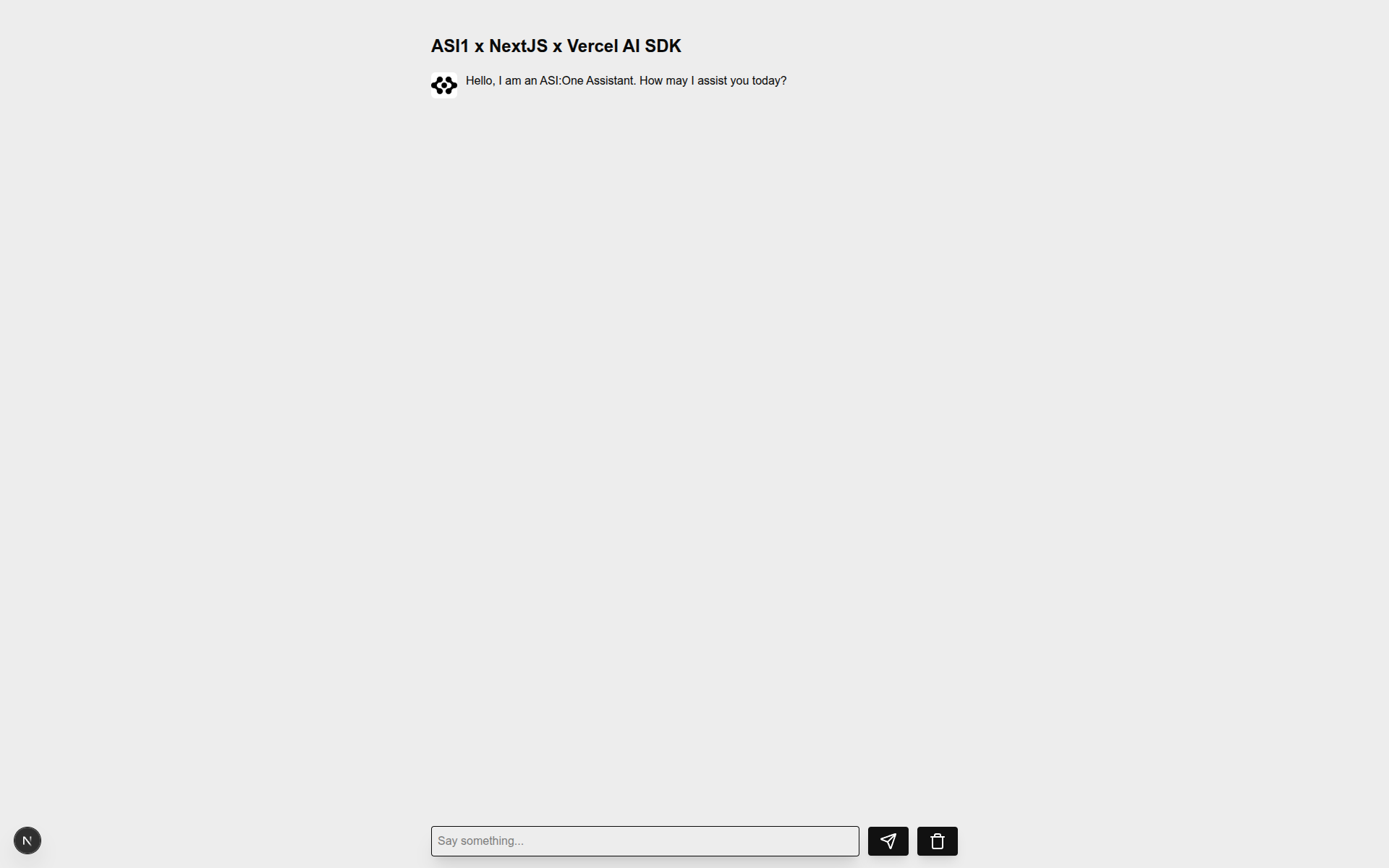
And you’ll have a project with ASI:One already integrated.
Español
Desde ASI Alliance LATAM Community
Hace unas semanas compartí un tutorial sobre cómo integrar los modelos de ASI:One en un proyecto de Next.js App Router.
Hoy te mostraré cómo reutilizar ese mismo repositorio para inicializar un proyecto de Next.js con ASI:One ya integrado.
pnpx create-next-app@latest --example "https://github.com/ASI-Alliance-LATAM-Community/asi-one-x-next.js"
Luego, crea un archivo .env.local y añade la siguiente variable de entorno con tu clave de API de ASI:One:
ASI1_API_KEY= # https://asi1.ai/dashboard/api-keys
Una vez configurado, ejecuta el siguiente comando:
pnpm run dev
Y tendrás un proyecto de Next.js con ASI:One completamente integrado. 